Do 404 Errors Affect My Website’s SEO? [Explicar SEO]

First, a brief explanation of what a 404 error is:

A 404 error is a standard HTTP protocol error message that indicates that the client was able to communicate with a server, but the server was unable to locate what was requested.

In simple terms, a 404 error occurs when you try to access a web page that doesn’t exist on the server.

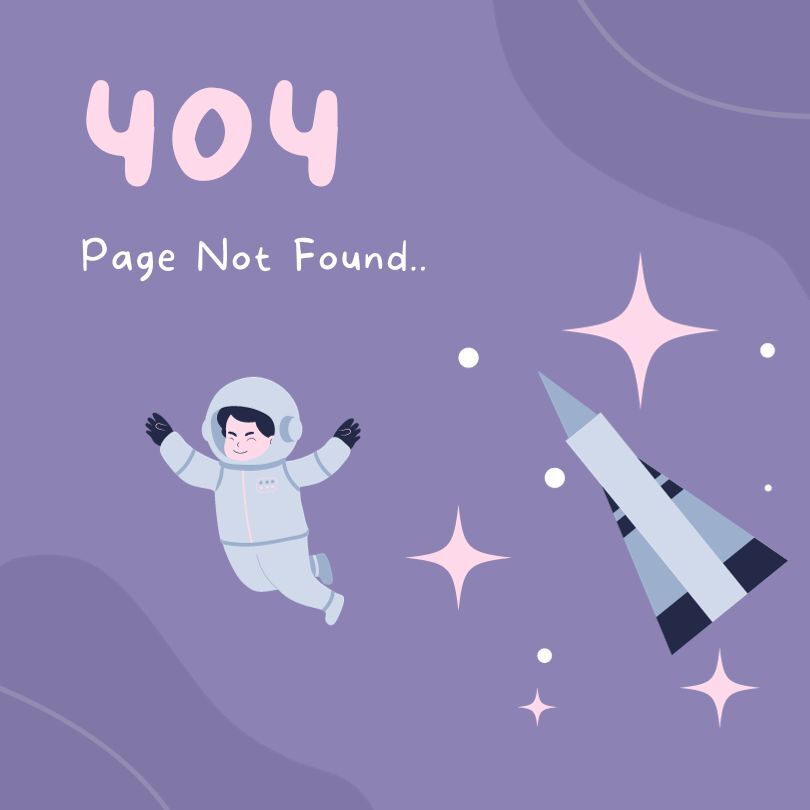
error 404 page not found - astronaut and spaceship

404 errors are common.

A 404 error is a normal part of internet browsing and serves as an indication to webmasters that a link or page needs attention, either to be corrected or to be redirected.

Although it is a frustrating experience for users to encounter this error, from a purely technical point of view, the 404 error is useful because it provides clear information about the non-existence of a specific page.

When you run a website, it is normal to encounter 404 errors and knowing the importance of SEO for business, it is also normal for a website manager to wonder if there is any impact of these errors on their site’s SEO performance.

In particular, when it comes to SEO audits, or when migrating to a new CMS, several issues relating to these errors can arise.

We will explore this topic based on information from reliable sources such as Google itself and our own experience as an SEO agency:

Why do 404 errors happen?

A 404 error happens when a user or a search engine tries to access a page that does not exist on a domain.

There are several reasons for this to happen:

– Because the page has been deleted without being redirected,

– An error occurred when typing in the URL,

– Because an external site is pointing to a URL that does not exist on another site.

The 404 error from an SEO point of view

Google’s position:

Google has clarified that 404 errors themselves do not directly affect a site’s ranking in search results.

The mere presence of 404 errors has no impact on how other URLs on a site behave in search results.

In other words, having 404 errors is not inherently detrimental to a site’s SEO.

The Exception to the Rule

Although 404 errors do not harm a site’s rankings, they can become problematic if quality backlinks are pointing to the page that is returning a 404 error.

In such cases, the PageRank of these backlinks can be lost, potentially affecting the site’s SEO.

This situation justifies the use of a 301 redirect to preserve the value of the backlink.

User Experience and Browsers

Another aspect that cannot be overlooked is the user experience itself.

Nobody likes clicking on a link to a page, expecting to see some kind of content and then…there’s nothing.

Even if in many cases it’s not possible to deliver the content that existed on that page, there is something you can do:

You can implement a user-friendly 404 error page!

For example, you can build a personalised 404 error page that includes links to popular sections of the site and even a search bar to help retain visitors, which will indirectly help your SEO efforts.

4 Best Practices for Dealing with 404 Errors

As a summary and warning, we leave you with four useful tips to apply to your site:

Regular Monitoring:

Be alert to 404 errors through tools such as Google Search Console, SEMrush or Screaming Frog. This helps you understand the extent and origin of these errors.

Smart 301 redirects:

Use 301 redirects to pages with significant traffic or quality backlinks to preserve the strength of the backlinks and present an alternative to the user.

Friendly 404 pages:

Design 404 pages that guide users back to relevant content on your site, which improves their experience.

Prioritise Fixing Key Pages:

If you have many pages with 404 errors, prioritise their repair based on traffic and the importance of the backlinks pointing to it.

References:

Google Search Centre Blog

Search Engine Journal

CognitiveSEO

What is the difference between a 404 error and a soft 404 error?

The difference between a 404 error and a soft 404 error is as follows: Error 404: Appears when a user or search engine tries to access a page that does not exist on the domain. It can happen when a page is removed without a 301 redirect, by a mistake in the URL, or when an external link points to an incorrect URL. Soft 404 error: This occurs when a website returns a 200 status code (success) from the server, but at the same time shows the user a “page not found” message. This can happen if the page doesn’t exist or if important parts of the content don’t load completely.

Autor

  • Rui MartinsPartner

    Rui Martins is a skilled professional with over 20 years of experience aligning Sales and Marketing, specialising in Digital Strategy and Distribution for B2B and B2C sectors, particularly in Hospitality and Tourism.
    At the Pestana Group, Rui’s experience included managing global online accounts and online distribution for the Group's European and American hotels. As Partner & Co-Founder of SmartLinks.pt, he has established the agency as a digital leader in Portugal. Naturally curious, he stays up-to-date with the latest trends and tools on the market. This enables him to analyse any business within minutes and quickly suggest the most suitable marketing strategy.
    Connect with Rui Martins on LinkedIn.

    Ver todos os artigos
Scroll to Top

Google Consent Mode v2 and Usercentrics Cookiebot CMP


Digital Solutions